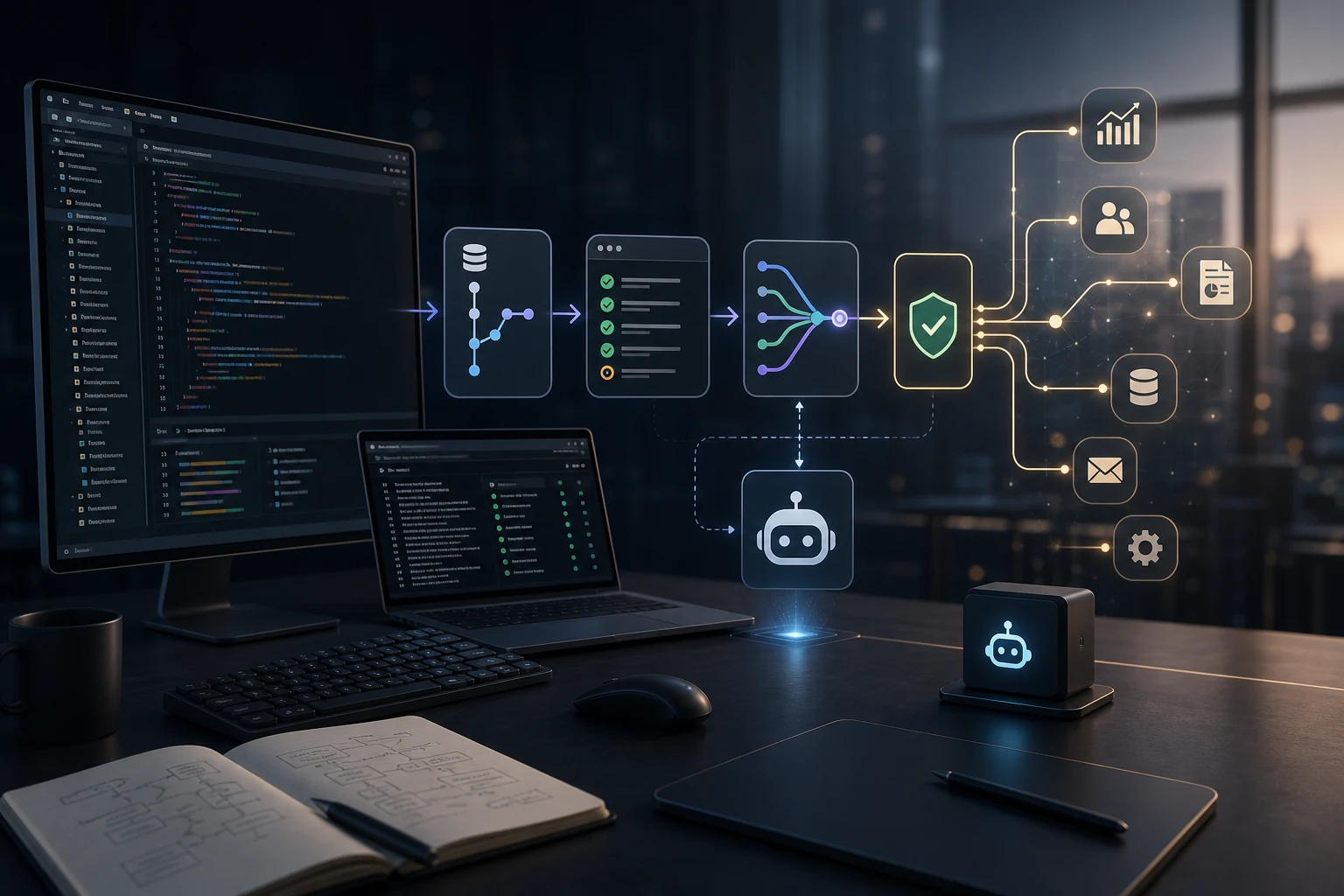
Coding agents are becoming the clearest example of useful AI agents because software development already gives them the environment they need to work.
That is the real lesson behind tools like Claude Code, OpenAI Codex, and GitHub Copilot coding agent. The important point is not only that AI can write code. It is that code work already has files, version control, tests, logs, terminal commands, review workflows, and rollback paths.
That combination gives the agent a bounded workspace. It can inspect context, make changes, run checks, show a diff, and wait for a human to review the result.
Most business processes do not have that structure yet. That is why many AI agent projects look impressive in demos but become fragile in real operations. The missing piece is often not a better model, but an operating environment that makes agent work observable, reversible, and useful.
Why coding agents work first
Software teams accidentally built a near-perfect workplace for agents before most teams started planning agent workflows.
A coding agent can usually see:
- the current codebase;
- the issue or prompt;
- project instructions and dependencies;
- tests, linters, and type checks;
- git history, terminal output, and current diffs;
- pull request review feedback.
That is far more structure than most business workflows provide.
Anthropic describes Claude Code as an agentic coding tool that lives in the terminal and can help build features, fix bugs, and navigate a codebase.1 OpenAI describes Codex as a coding agent that can read, modify, and run code, including cloud tasks in sandboxed environments.2 GitHub’s Copilot coding agent workflow centers on assigning tasks, creating pull requests, and requesting review when the work is done.3
The shared pattern is clear: these tools are not just chat interfaces. They are agents connected to a working environment. That environment matters more than the brand name.
The hidden advantage: feedback loops
AI agents need feedback, and software gives feedback quickly.
When an agent edits code, it can often run:
- unit tests;
- type checks;
- build commands;
- formatters and local scripts;
- CI workflows.
The result is not perfect certainty, but it is better than an unverified answer. The agent can see errors, revise its work, and produce a visible patch.
That is a major reason coding agents feel practical. A vague assistant can say “I completed the task.” A coding agent can show what changed and which checks passed or failed.
The same idea applies to operations. If an agent classifies leads, drafts support responses, or updates CRM records, it needs validation rules, approval status, and audit history.
Without feedback loops, the agent becomes a confident text generator. With feedback loops, it becomes part of a system.
Why most business workflows are not agent-ready
Many teams want AI agents before they have agent-ready processes. The common problems are simple:
- business rules live in people’s heads;
- data is scattered across emails, spreadsheets, CRMs, chats, and documents;
- permissions are unclear;
- there is no reliable audit trail or validation layer;
- mistakes are hard to detect and rollback depends on manual cleanup.
That is not an AI problem first. It is an operations design problem. A business agent needs repo-like boundaries:
- what data it can read;
- what systems it can write to;
- what actions require approval;
- what output format is expected;
- how results are reviewed, reversed, and measured.
Before asking “which model should we use?”, ask “what environment will the agent work inside?”
What business teams can copy from coding agents
The lesson is not to turn every department into a software team. The lesson is to copy the operating pattern.
1. Give the agent a scoped workspace
Claude Code works inside a project. Codex works with a repository and environment. Copilot coding agent works around issues, branches, and pull requests.
Business agents need the same scope. For example, instead of saying “handle support,” define a narrower workspace:
- read new support tickets;
- retrieve customer context;
- classify issue type;
- draft the first response and wait for approval.
That is a workable agent task. It has input, tools, limits, and review.
2. Make tools explicit
Coding agents are useful because they can use tools: read files, edit files, run commands, create pull requests, and report results. Business agents need explicit tools too:
- CRM lookup;
- ticket update;
- document search;
- email drafts;
- reporting queries and workflow triggers.
The tool list should be boring and controlled. If the agent can do everything, the process becomes risky. If it can do a few valuable things reliably, the system becomes useful.
This connects directly to workflow automation. A platform like n8n can act as the orchestration layer around AI calls, approvals, integrations, and logs. For a broader view, see How AI Agents Actually Fit Into Business Operations.
3. Separate suggestion from execution
Good coding-agent workflows keep review visible. A diff can be inspected before merge, a pull request can be rejected, and a terminal command can require approval.
Business agents should follow the same pattern:
- suggest a CRM update before writing it;
- draft a reply before sending it;
- prepare a report before distributing it;
- flag exceptions instead of forcing automation.
This is slower than full autonomy, but usually better for production. It reveals which steps are safe to automate later.
4. Add validation before autonomy
Software has tests. Operations need their own version of tests.
Examples:
- required fields must be present before a CRM update;
- support replies must include the correct order reference;
- finance workflows must stop when values exceed a threshold;
- extracted document data must match expected formats.
These checks are what make agents usable. If the agent can act but nothing validates the action, the team has only moved the manual work from execution to cleanup.
5. Keep logs and rollback paths
A coding agent leaves traces: commits, diffs, terminal output, pull requests, comments, and CI logs. Business agents need the same visibility:
- what input was processed;
- what context was retrieved;
- what decision was made;
- what tool was used;
- what record changed, who approved it, and how to reverse it.
This is why AI agents often belong inside internal tools and automation systems, not as disconnected chat windows.
A practical readiness checklist
Before building an AI agent for a business workflow, check whether the workflow has the foundations that make coding agents useful.
Ask:
- Is the task narrow enough to describe clearly?
- Does the agent have access to the right context?
- Are tool permissions limited and explicit?
- Is there a human approval point for risky actions?
- Can the output be validated automatically?
- Is every action logged and reversible?
- Is there a metric for whether the agent improved the process?
If the answer is mostly no, start with automation hygiene first. Define the inputs, connect the systems, and create the approval path. If the answer is mostly yes, the workflow may be ready for an agent.
For measurement, the companion question is whether the agent improves speed, quality, or throughput enough to justify the implementation. How to Tell If AI Is Helping Your Business covers that ROI layer in more detail.
Where to start
The best first business agents usually look less ambitious than the demos. Start with work that has:
- repeated inputs and clear output formats;
- frequent manual preparation;
- low-risk first actions;
- easy human review and measurable time savings.
Good candidates include intake routing, lead enrichment, support draft preparation, meeting-to-task workflows, document summarization, reporting preparation, and internal knowledge lookup. These are also the areas where AI already saves time in operations, especially with workflow automation and approval rules. I covered those workflows in Where AI Actually Saves Time in Operations.
The goal is not to copy Claude Code feature by feature. The goal is to copy the conditions that make coding agents practical: context, tools, boundaries, feedback, review, and rollback.
That is the useful takeaway for business teams.
Coding agents work because they operate inside an environment built for controlled work. Business agents will become reliable when companies build the same kind of environment around their own processes.
If you are trying to turn a manual workflow into a practical AI-assisted system, I can help map the process, define the tool boundaries, and design the automation layer around it. Start at airat.top.
Sources
Anthropic, Claude Code overview. ↩︎
OpenAI, Codex cloud. ↩︎
GitHub Docs, Asking GitHub Copilot to create a pull request. ↩︎