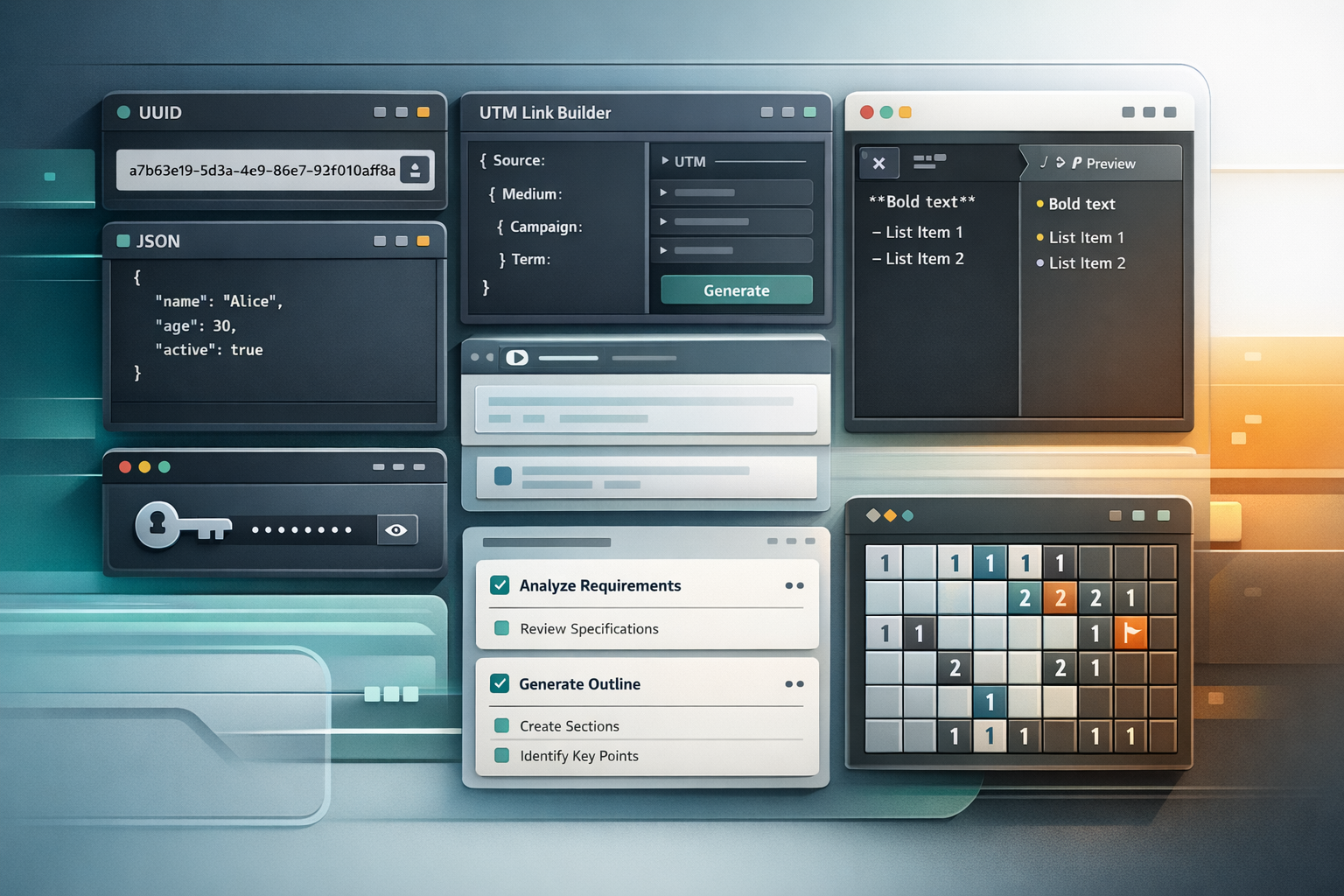
I keep building small public tools for one simple reason: I actually use them.
These are not “startup products” in disguise. They are small focused tools that solve repeated problems in my daily work across automation, internal systems, AI-assisted content workflows, and general operations.
That is the same logic behind my API collection, just on the browser side instead of the endpoint side. If the API article was about pulling narrow automation logic into reusable URLs, this one is about keeping repetitive interactive tasks in lightweight public tools that I can open instantly and trust for day-to-day work. The API side is covered in Why I Built Small Public APIs for Automation Workflows.
Why I prefer small tools over one big platform
The usual temptation is to combine everything into one dashboard: UUIDs, UTM tags, passwords, previews, formatting, randomization, task tracking, and whatever comes next.
I almost never like that model.
When a tool has one job, it stays faster to open, easier to understand, and easier to trust. I can go directly to the tool, do one job, and leave.
That matters more than it sounds. In real work, a lot of friction comes from tiny repeated actions:
- generate a batch of IDs;
- build a campaign URL;
- preview Markdown before publishing;
- inspect or convert a JSON payload;
- generate secure credentials;
- produce many randomized text variants from a template;
- break a task into smaller actions.
If those actions happen often enough, a focused tool is usually better than another overbuilt internal panel.
The shared design pattern
These projects are different, but most of them follow the same operating model:
- static deployment on Cloudflare Pages;
- no custom backend to maintain;
- no database layer to babysit;
- local settings or browser-side storage where it actually helps;
- open-source repositories so the behavior is inspectable;
- light and dark themes, minimal UI, and fast load time.
For most of these tools, that is enough. If a tool’s purpose is simple enough, the implementation should stay simple too.
The tools I actually use
UUID generation for bulk IDs
uuid.airat.top is one of the most practical tools in the whole set.
When building internal tools or low-code systems, I often need a lot of IDs quickly. That is especially true in AppSheet-related work, data preparation, and migration-style tasks where I may want thousands of UUIDs without writing a separate script just for that one moment.
The tool supports UUID v4 and v7, and the repository documents generation from 1 to 10,000 values in one run with copy and download support. Once you need that several times a week, it becomes one of the most useful browser tabs you keep around.
This is also a good example of why I keep both a browser tool and an API. For direct browser use, uuid.airat.top is faster. For automation flows, uuid.api.airat.top is the right layer.
- Live tool: uuid.airat.top
- Repository: uuid.airat.top
- Related API: uuid.api.airat.top
UTM builder for marketing work
utm.airat.top exists because UTM work is repetitive and easy to get wrong in small ways.
If you build campaign URLs often, you already know the problem: the logic is simple, but the volume is annoying. You need consistency in naming, quick copy actions, and presets that match the channels you use most often. The README documents presets for platforms such as Google, Yandex, VK, YouTube, Telegram, Social, Partner, Email, and Banner.
That is exactly the kind of utility I want in a dedicated page, not inside a bloated marketing suite.
- Live tool: utm.airat.top
- Repository: utm.airat.top
Passwords, passphrases, and usernames
pass.airat.top grew out of the same practical need: I regularly need strong passwords, usable passphrases, and sometimes usernames.
The useful part here is not only that it generates values. It is that the generator is narrow, quick, and designed around the actual choices I care about. The project uses window.crypto, supports separate password and passphrase modes, and includes a username generator based on a local word list.
That makes it more useful than opening a generic password generator that does one thing well but does not cover the rest of the workflow.
- Live tool: pass.airat.top
- Alias: password.airat.top
- Repository: pass.airat.top
Markdown preview for AI-heavy workflows
md.airat.top is one of the simplest tools here, but it solves a very real problem.
When you work with AI output, documentation drafts, prompts, notes, or blog drafts, Markdown becomes a working format rather than just a publishing format. I often want to preview Markdown immediately without pushing it into a third-party editor or CMS.
The tool is just a live Markdown preview with GitHub-flavored rendering, sync scroll, copy, reset, and theme control. It does not need to be more complicated than that.
- Live tool: md.airat.top
- Repository: md.airat.top
JSON formatting and conversion
json.airat.top covers another class of repeated technical work: formatting, validating, sorting, and converting payloads.
When working with APIs, scraping outputs, webhook payloads, and integration responses, I constantly need to inspect JSON quickly. Sometimes I need to validate it. Sometimes I need YAML instead.
This tool handles JSON formatting, minifying, validation with line and column details, deep key sorting, JSON-YAML conversion, and XML-to-JSON conversion. For integration work, that is a very practical set of capabilities in one page.
- Live tool: json.airat.top
- Repository: json.airat.top
Text randomization and the ad-generator lineage
random.airat.top is not a random experiment. It comes out of an older lineage.
I had a very popular text randomizer project before: ad-generator. It used a syntax for alternatives, optional blocks, permutations, delimiters, escaped characters, and %rand% placeholders to generate large volumes of pseudo-unique text. That older project existed as a WordPress plugin and CLI utility. The browser tool is a lighter JavaScript continuation of the same practical idea.
Template-based randomization is still useful in real workflows:
- generating text variants for publications;
- creating many structured text outputs from one template;
- producing JSON, CSV, or plain-text output locally;
- doing all of that without sending templates into a custom server.
The current browser tool documents unique-output generation for 1 to 10,000 lines, format switching between text, JSON, and CSV, and template presets. That makes it useful for content operations and automation prep work.
- Live tool: random.airat.top
- Repository: random.airat.top
- Legacy project: ad-generator
Local-first task management with AI help
task.airat.top is a slightly different tool because it is more app-like than the others, but it follows the same general principle: keep the surface small and useful.
The core task list is local-first. Tasks live in the browser, filtering is fast, and the UI stays minimal. On top of that, the project adds AI-assisted auto-tagging and decomposition so a task can become a small actionable list instead of a vague reminder.
One clarification matters here: this tool is still local-first for storage, but its AI features rely on Gemini integration. So it belongs to the same lightweight tool family, but not to the strict “pure static formatter with zero external intelligence” subgroup.
- Live tool: task.airat.top
- Repository: task.airat.top
Minesweeper as a side project
miner.airat.top is the outlier, and that is fine.
It exists mostly because I wanted Minesweeper on macOS in a form that matched how I like to use small browser utilities. It is not an operations tool. It is a side project.
But it still belongs in the same ecosystem because it follows the same product logic: lightweight, public, simple, and easy to open whenever I want it.
- Live tool: miner.airat.top
- Repository: miner.airat.top
What these tools have in common
The deeper common point is not “they are all utilities.”
The real common point is that they remove repeated friction from everyday work without demanding a heavy operational model.
They are small enough to stay understandable, public enough to stay easy to access, and open enough to be inspectable. If I say a tool is lightweight or local-first, I want the code to be there for anyone to check.
That is also why I do not think of them as isolated side projects. Together, they form a practical browser-side layer around the rest of my work:
- public APIs for narrow automation operations;
- browser tools for narrow interactive tasks;
- low-code and automation systems for real business workflows;
- self-hosted infrastructure only where the heavier architecture is actually justified.
Practical takeaway
If you repeatedly open the same kind of utility site, copy the same snippets, or rebuild the same helper logic inside larger tools, that is often a sign you should break the function out into a focused public tool.
The tool does not need to be large. It needs to be reliable, fast to access, and honest about what it does. That is how this set of projects appeared: from repeated small needs in real work.